

That's Not My Neighbor: the doorman job, and what you can play here
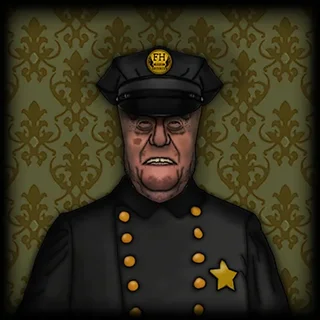
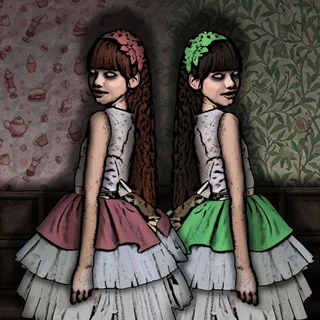
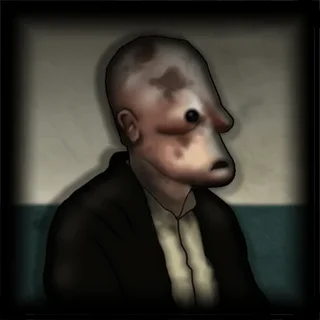
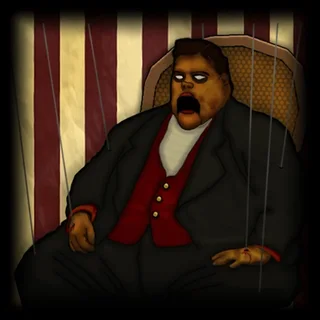
That's Not My Neighbor is a short, eerie job simulator by the solo developer Nacho Sama (Nachosama Games). It is set in 1955. Doppelgangers have become more common than usual, so the Department of Doppelganger Detection — the D.D.D. — has put a doorman on every apartment building, and that doorman is you. Each person who knocks claims to be a tenant. You check their documents and what you know about the building's residents, then decide: let them in, turn them away, or call the D.D.D. to take them for extraction.
The tension comes from how small the clues are. A doppelganger copies a neighbour's face, but not always perfectly, and the paperwork is where most of them slip. Let a copy in and it is inside your building; reject a real tenant and you have shut out someone who lives there. The full game has a Campaign with several endings that depend on how well you do, an Arcade mode for score, a Nightmare mode for the hardest shifts and a Custom mode where you design your own tenants.
Here is the honest part: That's Not My Neighbor is a paid download for Windows and Linux on Steam. There is no official browser version, and the web pages that promise "That's Not My Neighbor unblocked" are showing a different game. So the game above is not it. It is I Am Hall Security by GeniGames, a free web game with the same loop — a line of people, a list of rules, and a yes or no for each one — that plays in a school Chromebook tab. The guide below and the blog cover the real game.
Controls & mechanics
| Action | Control | Purpose |
|---|---|---|
| Start | Click or tap the game | The hallway loads first; one click starts the shift and gives the game focus |
| Read the rules | The panel at the top left | Each level lists the things that are not allowed — learn it before the first student arrives |
| Inspect | Click the tools on screen | Scan and check each student the way the level shows you |
| Decide | Click let through or catch | Right decisions earn cash; wrong ones cost you |
| Hint | H button (top right) | Shows what you missed when you are stuck |
| Pause | P button (top left) | Stops the shift clock |
Door-check habits that work in both games
- Learn the rules before the queue: Both games give you the rules up front. Read them before the first person arrives, not while someone is waiting.
- Check in the same order every time: Face, then documents, then the details. A fixed routine is how you notice the one thing that is off.
- One flaw is enough: In That's Not My Neighbor a single wrong detail makes someone a doppelganger. Do not look for a second reason to say no.
- Do not rush the last one: Mistakes pile up at the end of a shift, when the clock or the queue makes you hurry.
- Use the hint early: In I Am Hall Security the H button shows you what to look for; using it on level one teaches you the tools for the rest.
Key features
- Plays in the browser: I Am Hall Security is served from this domain: no download, no account.
- Same core loop: One person at a time, a list of rules, and an approve-or-reject decision for each.
- Levels with a clock: Every shift is timed, and the rules change as you go up the levels.
- Honest guide: What That's Not My Neighbor really is, its modes and where to get it.
- Mystery shelf: Who Is?, Guess Who?, Forgotten Hill and more games built on spotting what is wrong.
- No fake player: We do not host rips or look-alikes under the That's Not My Neighbor name.
Game info
- Title: I Am Hall Security
- Developer: GeniGames
- Category: Inspect & Decide
- Platform: Web browser (HTML5)
- Game here: I Am Hall Security — GeniGames · Unity WebGL, served from thatsnotmyneighbor.click. Not That's Not My Neighbor (Nachosama Games, Steam).
Pro tip: Whether it is a doorman's desk in 1955 or a school hallway, the person who looks most normal is the one to check twice.